





























































In the modern digital landscape, the promise of "private" or "incognito" browsing is one of the most widely misunderstood features in consumer technology. Since the inception of the feature nearly two decades ago, millions of users have turned to these modes under the assumption that they are creating a cloaking device for their online activities. However, the reality is far more nuanced. While private browsing is a powerful tool for maintaining local privacy, it is not a silver bullet for anonymity.
The Reality of Private Browsing: What It Actually Does
At its core, private browsing—whether labeled as Incognito, InPrivate, or simply Private Mode—is designed to manage data locally on your machine. When you activate these modes, the browser commits to a specific set of behaviors:

- No History Logging: The browser does not save the URLs you visit to your local history file.
- Cookie Erasure: Any cookies or site data generated during the session are purged the moment you close the window.
- Form Amnesia: The browser does not store credentials, search queries, or information entered into web forms.
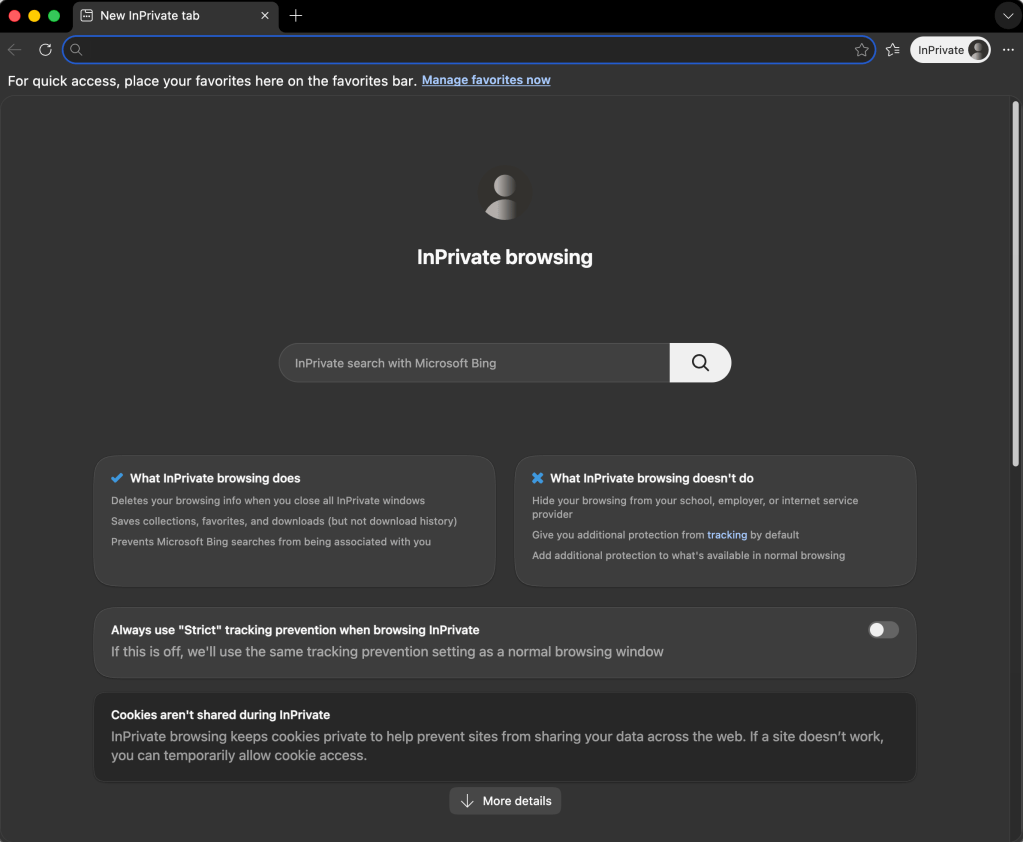
This is highly effective if you are sharing a computer with a family member or using a public terminal and wish to ensure that your activity is not visible to the next user. However, these features do nothing to mask your digital footprint from the outside world. Your Internet Service Provider (ISP), the network administrator at your workplace, the websites you visit, and the various advertising networks that track cross-site behavior can still identify and monitor your activity with remarkable precision.
A Brief Chronology of Privacy
The concept of private browsing dates back to 2005, when Safari first introduced rudimentary features to limit data storage. However, it was not until the late 2000s that the feature entered the mainstream.
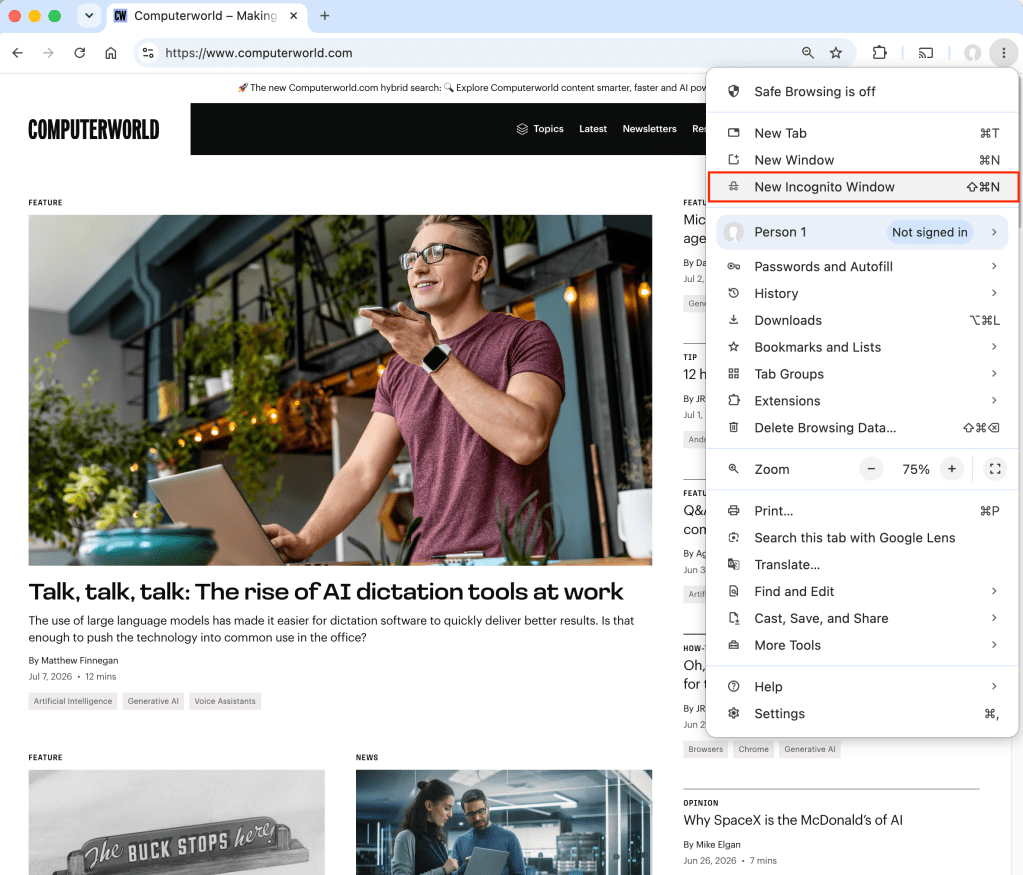
- 2005: Apple’s Safari introduces the first iteration of private browsing, a move initially aimed at reducing the local footprint of web sessions.
- Late 2008: Google releases the Chrome browser, introducing "Incognito Mode." The term proved so catchy that it eventually became the industry standard for what users colloquially call "going incognito."
- March 2009: Microsoft follows suit with "InPrivate" mode for Internet Explorer, later carrying it over to the modern Edge browser.
- June 2009: Mozilla introduces "Private Browsing" to Firefox, solidifying the feature as an essential component of the "Big Four" browser ecosystem.
In the early days, the feature was often colloquially and somewhat crudely referred to as "porn mode," reflecting the common assumption that its primary utility was concealing adult content. Today, as privacy awareness has grown, the industry has shifted its narrative to focus on "anti-tracking" and digital hygiene, acknowledging that users deserve privacy from both local snoopers and global data aggregators.
The Technological Divide: Incognito vs. Anti-Tracking
The industry is currently facing a tension between user convenience and corporate data collection. Most browsers have implemented "anti-tracking" or "tracking prevention" tools. These are distinct from private browsing; they actively block the small, invisible scripts and "web bugs" that advertisers use to build dossiers on user behavior.
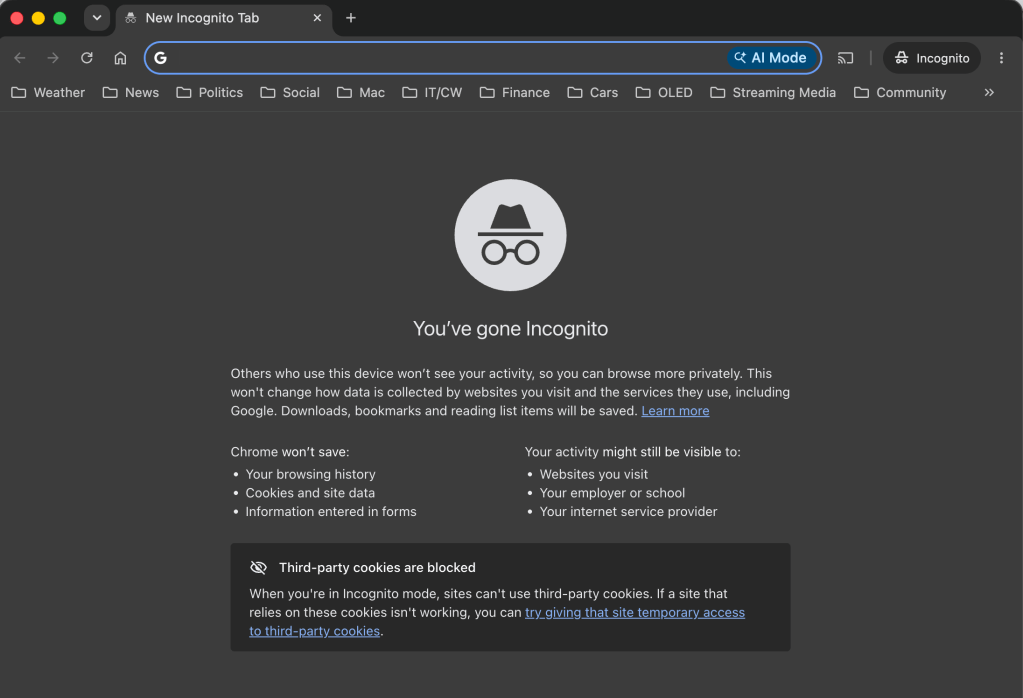
Interestingly, while browsers have moved toward making anti-tracking a default setting, they have resisted making private browsing the default state. The reason is practical: the web as we know it relies on persistent cookies for essential functionality, such as keeping you logged into your email, managing shopping carts, and remembering language preferences. A default-private web would be a broken, inconvenient experience for the average user.
Browser-by-Browser: How to Utilize Privacy Tools
1. Google Chrome (Incognito)
Chrome remains the dominant browser, and its Incognito mode is the most recognizable.
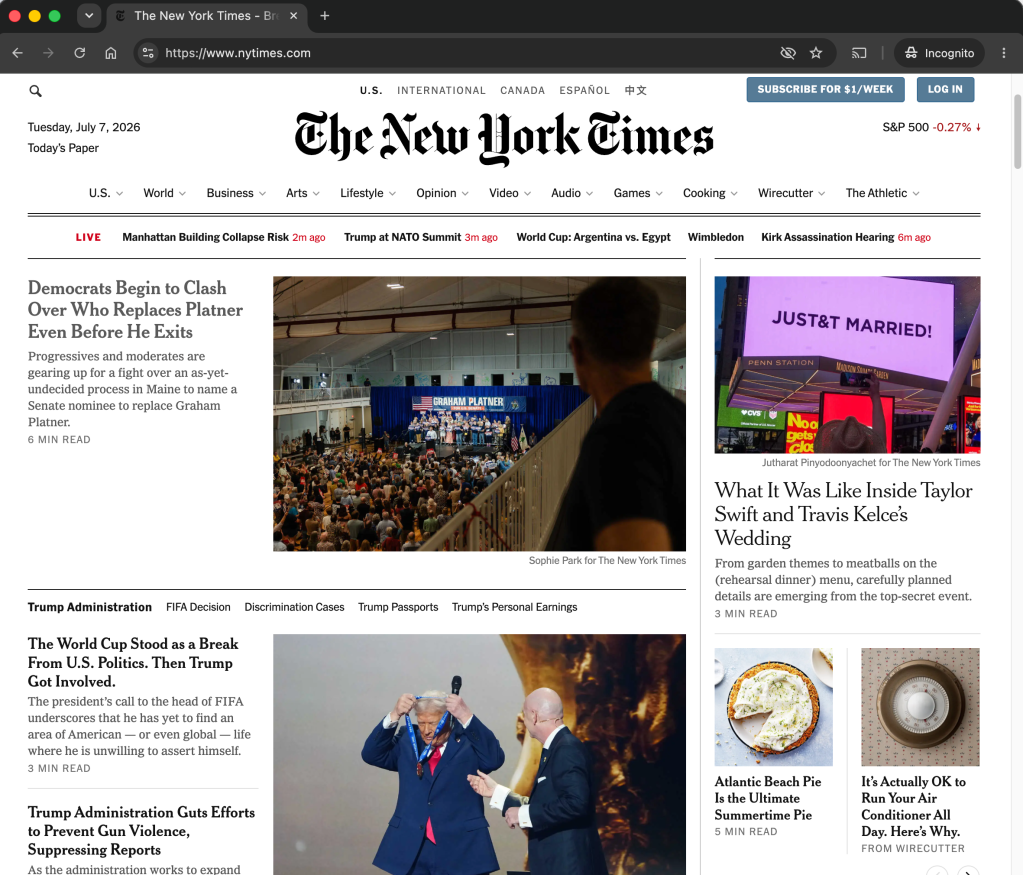
- How to access: Press
Ctrl+Shift+N(Windows) orCommand+Shift+N(macOS). Alternatively, select "New Incognito Window" from the three-dot menu. - Key Insight: Chrome recently updated its startup screen to clarify that "Incognito" does not equal "Anonymous." The browser also includes a default toggle to block third-party cookies, which helps limit cross-site tracking even within the private session.
2. Microsoft Edge (InPrivate)
Microsoft’s approach is perhaps the most transparent in the industry, often providing more on-screen documentation regarding what the mode does and does not cover.
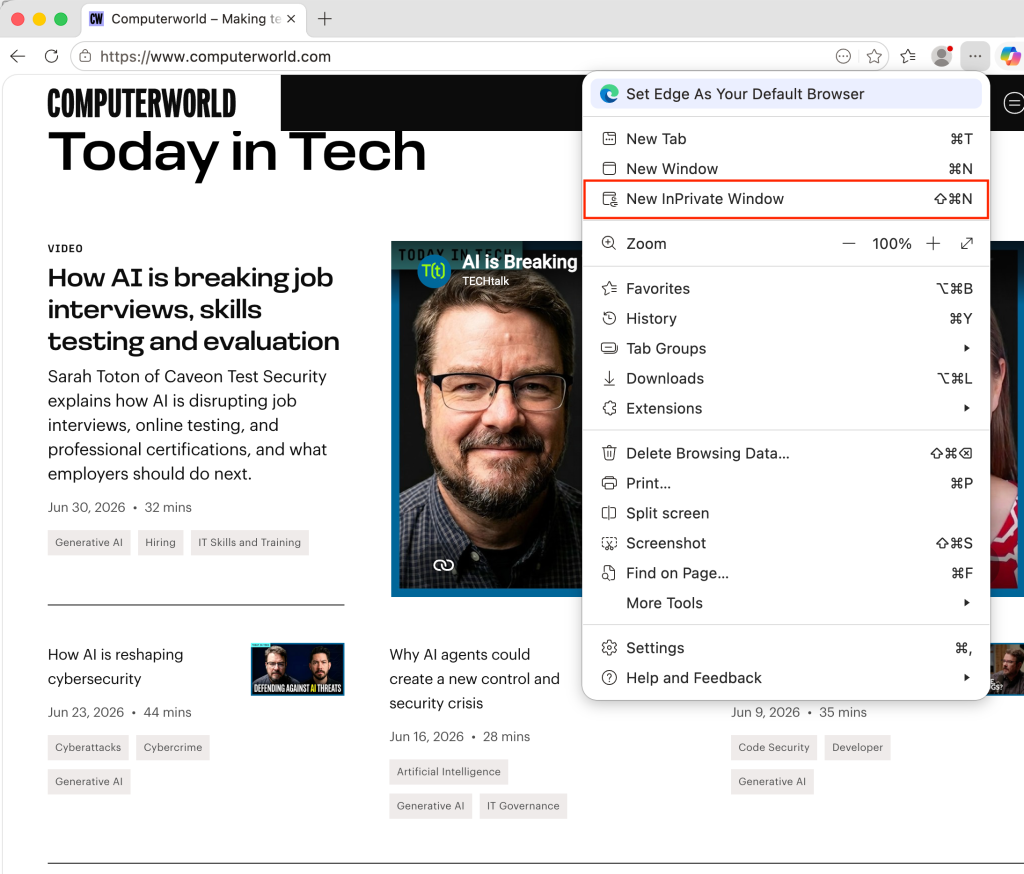
- How to access: Use the same keyboard shortcuts as Chrome (
Ctrl/Cmd+Shift+N) or select "New InPrivate Window" from the horizontal three-dot menu. - Advanced Feature: Edge offers "Tracking Prevention." Users can navigate to Settings > Privacy, Search, and Services to set this to "Strict." A particularly useful feature allows you to force "Strict" tracking prevention whenever you open an InPrivate window, even if your standard browsing mode is set to a more permissive level.
3. Mozilla Firefox (Private Browsing)
Firefox distinguishes itself by focusing heavily on "Enhanced Tracking Protection."
- How to access: Use
Ctrl+Shift+P(Windows) orCommand+Shift+P(macOS). - Key Insight: Firefox displays a purple "mask" icon to indicate the mode is active. Its tracking protection is robust and enabled by default, regardless of whether you are in private mode or standard mode. Firefox also prioritizes an HTTPS-only policy, ensuring that sessions are encrypted in transit.
4. Apple Safari (Private Browsing)
As the pioneer of the feature, Safari keeps its implementation streamlined and tightly integrated into the macOS and iOS ecosystem.
- How to access:
Command+Shift+Non macOS or via the File menu. - Key Insight: Safari utilizes "Intelligent Tracking Protection" (ITP). This is a sophisticated, AI-driven set of tools that actively prevents trackers from using machine learning to identify users across different websites. Users can verify their protection status in Preferences > Privacy.
Implications for the User
The fundamental takeaway for the modern internet user is that privacy is not a state of being, but a strategy. Using private browsing is a sensible habit for shared devices, but it provides a false sense of security if the goal is to hide your identity from the web.
The ongoing legal battles, including class-action lawsuits against major tech companies regarding their tracking practices, highlight that even in "private" modes, telemetry and metadata collection often persist. To achieve true privacy, one must move beyond the browser’s built-in features. This includes:
- Utilizing a VPN (Virtual Private Network): This masks your IP address from your ISP and the websites you visit.
- Employing Specialized Browsers: Browsers like Tor or privacy-focused alternatives like Brave are built from the ground up to prevent fingerprinting, a technique where trackers identify you based on your browser configuration and hardware specs.
- Managing Extensions: Using blockers like uBlock Origin can strip away the trackers that browser-native tools might miss.
Conclusion
Private browsing is a useful, albeit limited, tool in your digital security arsenal. It is the digital equivalent of shredding a document before throwing it in the trash—it prevents someone from looking through your bin, but it does not stop someone from following you down the street. As the web continues to evolve toward a more data-intensive model, understanding the limitations of your browser’s "Incognito" mode is the first step toward reclaiming your digital autonomy.