

























































In the rapidly evolving landscape of mobile personalization, Google has finally unveiled one of its most anticipated Android innovations: the "Create My Widget" feature. While the concept of home screen widgets has been a cornerstone of the Android experience since its inception, the ability to generate bespoke, functional tools on the fly has remained an elusive "holy grail" for power users. Now, with the latest rollout for flagship Pixel devices, that vision has become a reality—provided you know exactly where to look.
For owners of modern Pixel hardware, this update represents a significant leap forward in how users interact with their device’s ecosystem. By leveraging Google’s underlying intelligence, users can now bypass the limitations of pre-packaged developer widgets and instead curate an interface that caters specifically to their personal workflow.

Main Facts: What is ‘Create My Widget’?
At its core, "Create My Widget" is an AI-driven interface that allows users to design, customize, and deploy functional widgets without writing a single line of code. Announced during the Google I/O conference in May and officially integrated into the Android experience this November, the tool serves as a bridge between user intent and system capability.
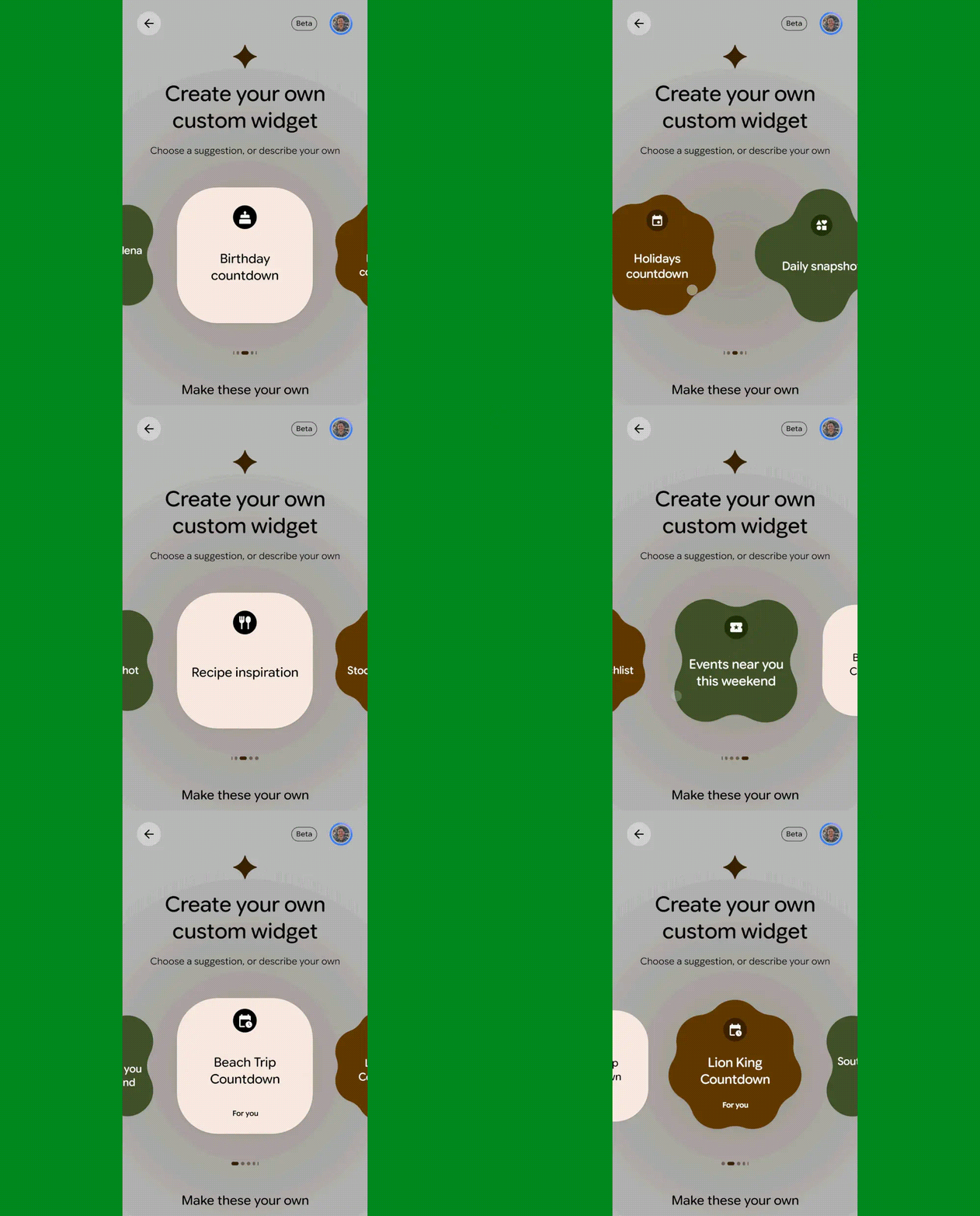
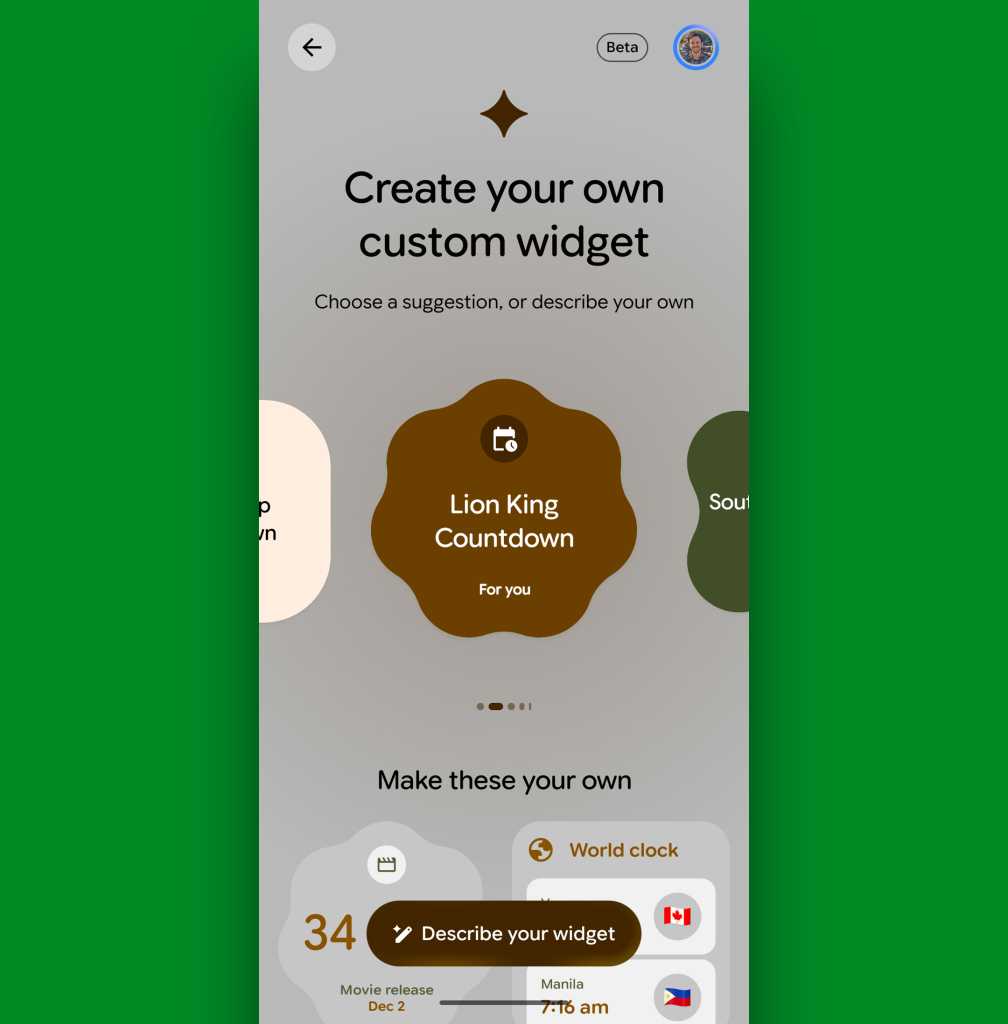
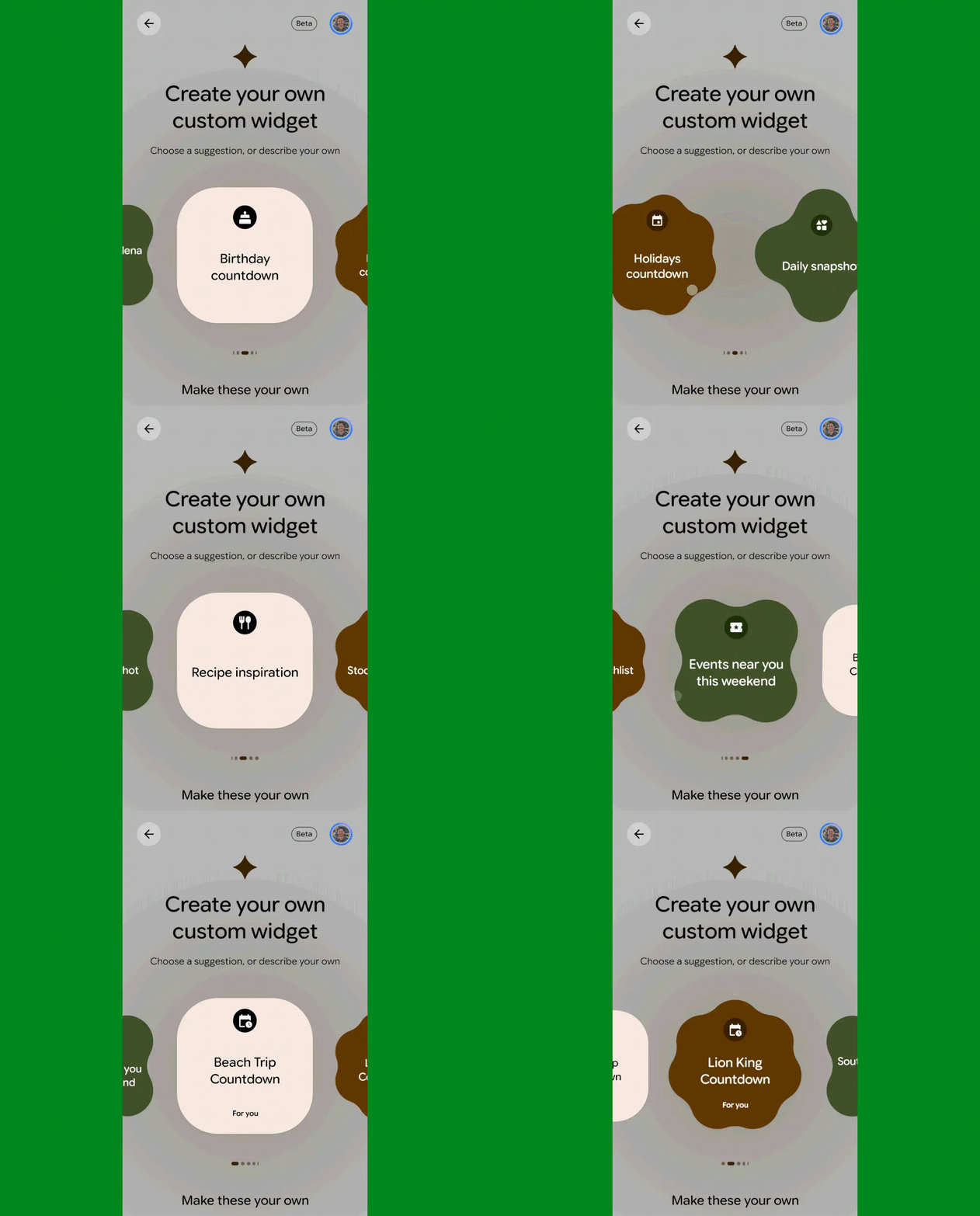
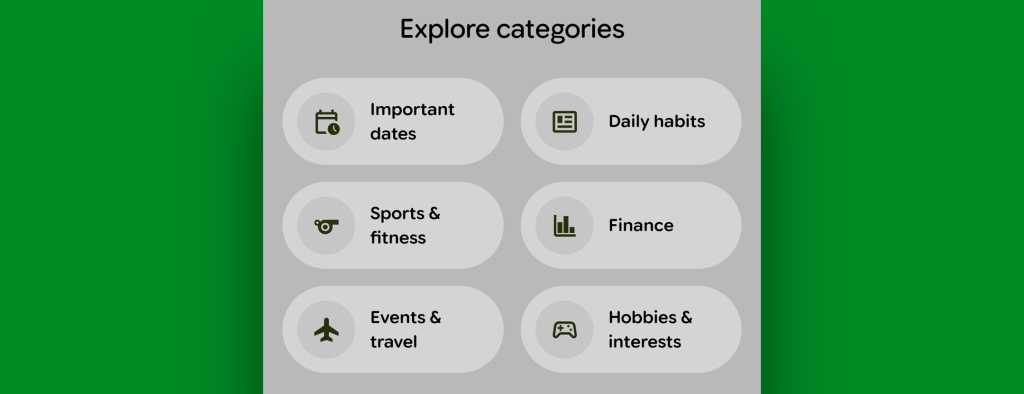
The feature functions as a generative portal. Users can either select from a library of pre-configured templates—covering everything from stock market tracking to calendar management—or utilize a natural language prompt to describe the specific data they wish to view at a glance.

Key Requirements for Access
Before users can begin experimenting with the tool, they must meet a specific set of criteria established by Google:
- Hardware: The feature is currently exclusive to the Pixel 10, 10 Pro, 10 Pro XL, 10 Pro Fold, and subsequent Pixel 11 series devices.
- Geography and Language: Users must have their device set to English and be located in the United States, United Kingdom, Australia, Canada, or India.
- Age Restriction: For regulatory and data-safety reasons, the feature is restricted to users 18 years of age and older.
- Software Configuration: The tool requires the use of the default Pixel Launcher. Users currently employing third-party launchers (such as Nova or Niagara) will need to revert to the stock environment to access the creation menu.
A Chronological Evolution of Android Widgets
To understand the magnitude of this release, one must look at the history of the Android home screen. When Android first launched, widgets were rudimentary, static boxes that often lacked design consistency. Over the years, Google refined these through Material Design, introducing the "Widget API" to help developers create more fluid, responsive elements.
- 2008–2012 (The Formative Years): Widgets were simple, often buggy, and lacked a unified aesthetic. Developers struggled to balance battery life with real-time updates.
- 2013–2020 (Refinement and Constraint): Google introduced tighter design guidelines, moving toward the "At a Glance" style, which prioritized relevance over mere utility.
- May 2024 (The I/O Reveal): At the Google I/O developer conference, the company teased a new era of "intelligent" widgets capable of adapting to the user’s habits.
- November 2024 (The Rollout): The feature was officially pushed to the latest flagship devices, marking the transition from developer-centric tools to user-generated functionality.
The current implementation is not merely an incremental update; it is a fundamental shift in the paradigm of the smartphone interface. It moves the user from a "consumer of widgets" to a "creator of widgets."
Implementation: How to Force the Update
Despite the official rollout, many users have reported that the feature does not appear automatically. Because it is currently operating within a beta testing framework, users must "opt-in" to gain access.
Step-by-Step Activation
- Navigate to the Play Store: Access the specific product page for the "Create My Widget" application.
- Join the Beta: Scroll down to the beta testing section and select "Join." This triggers a background verification process.
- Synchronization Period: Wait several minutes. The system requires time to propagate your account status to the server.
- Update the App: Once the Play Store indicates that you are a beta member, a "Update" button will appear. Perform the update.
- Placement: Return to your home screen, perform a long-press on an empty area, and select "Widgets." You will now see a dedicated "Create" button at the top of the menu.
If the "Create" button remains elusive, ensure your system software is fully updated to the latest November security patch, as this contains the necessary underlying framework hooks required for the widget engine to communicate with the OS.
Supporting Data: Customization Capabilities
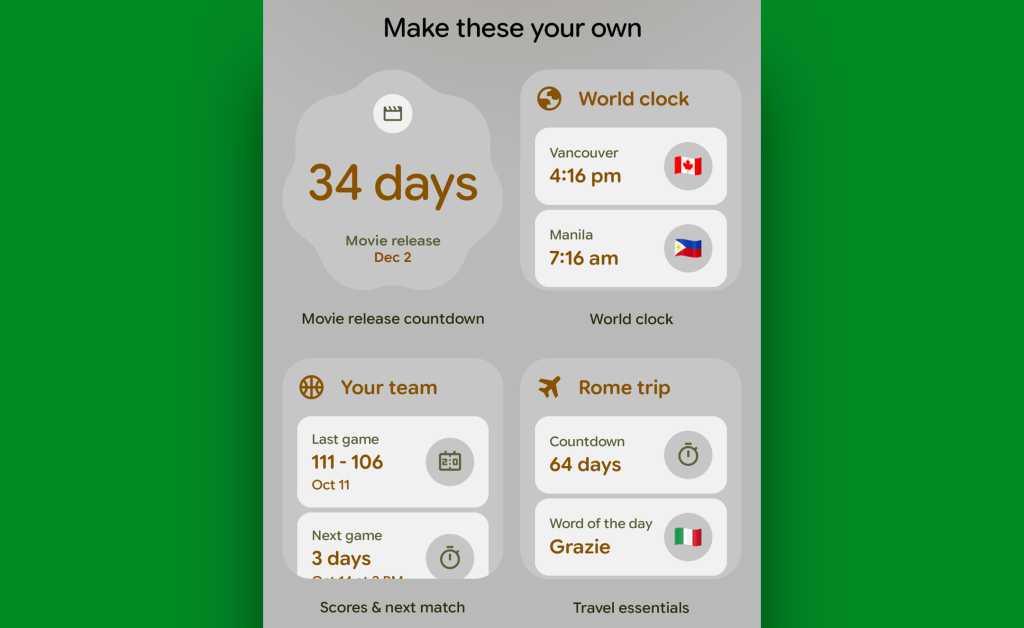
The power of "Create My Widget" lies in its versatility. While it is not a "blank canvas" for advanced programming, it offers a robust set of "ingredients" that allow for a high degree of personalization.
Available Data Streams
- Real-time Information: Users can pull data via Google Search, including live stock tickers, sports scores, and real-time news headlines.
- Geo-Contextual Data: The widget can display localized weather, traffic conditions, or a map-based view of nearby businesses.
- System Shortcuts: The tool acts as a "super-shortcut," allowing users to trigger specific system functions (e.g., toggling a specific VPN, opening a split-screen app pair, or navigating to a saved location) with one tap.
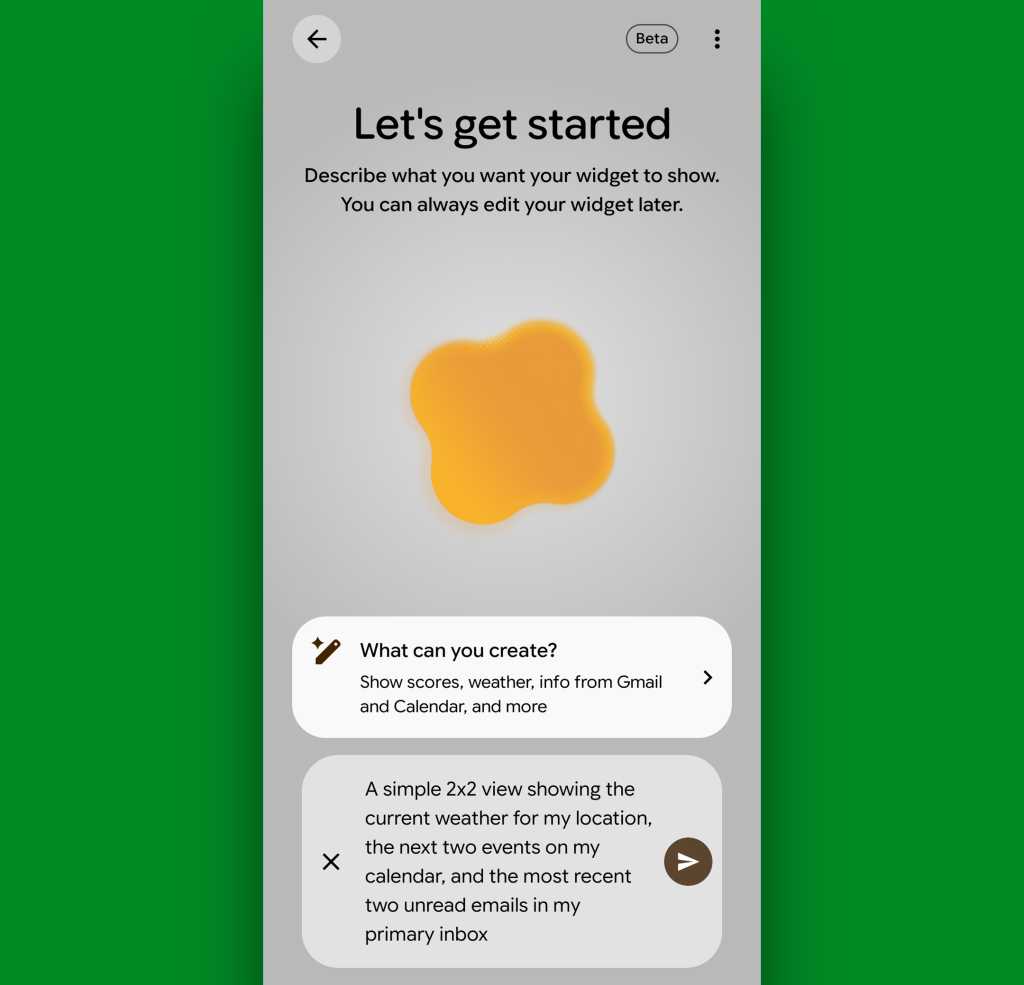
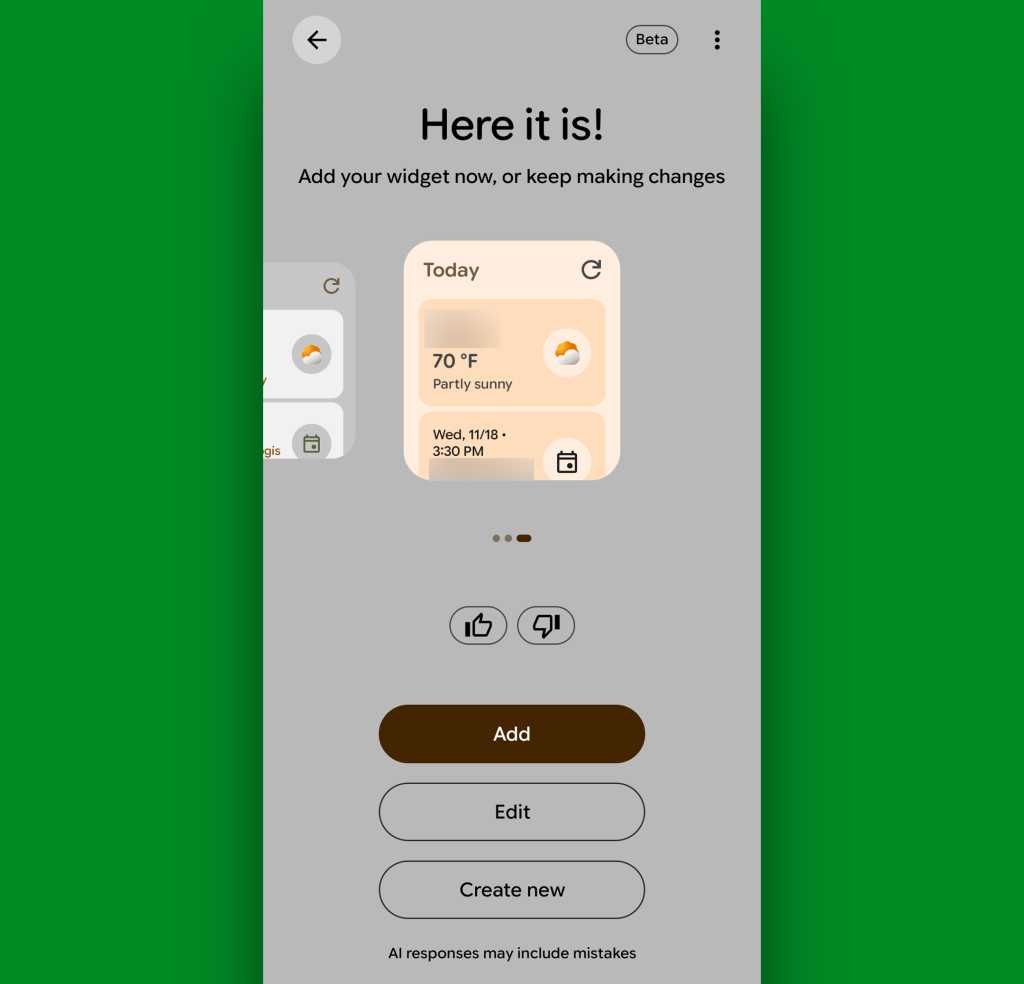
- Communication & Productivity: Integration with Gmail and Google Calendar allows for dynamic widgets that show upcoming meetings or high-priority emails.
The system utilizes a "Recipe" architecture. Users can either follow a structured wizard—selecting their preferred category—or use the "Describe your widget" interface. The latter is powered by an LLM (Large Language Model) that parses your natural language request to build the logic of the widget. For example, a user could type, "Create a widget that shows my next three calendar events and the current temperature in London," and the system will attempt to generate a coherent layout.
Official Responses and Strategic Implications
Google’s positioning of this feature suggests a long-term strategy centered on "Ambient Computing." By allowing users to create their own tools, Google is effectively crowdsourcing the design of the most useful home screen configurations.
In a statement regarding the rollout, a Google spokesperson noted: "Our goal is to make the Android experience as fluid as the user’s lifestyle. By empowering users to define their own data interactions, we reduce the friction of opening individual apps, allowing for a more focused and intentional device experience."
The Implications for the Ecosystem
The move is not without its critics. Some developers have expressed concern that native, user-generated widgets could cannibalize the utility of third-party apps. However, industry analysts suggest that this will likely lead to an increase in engagement. As users become accustomed to having bespoke widgets, they are more likely to seek out sophisticated, third-party apps that offer deeper functionality beyond what the "Create My Widget" tool can currently provide.
Furthermore, this tool highlights the widening gap between standard Android devices and the premium Pixel line. By gating this feature behind the latest hardware, Google is creating a "premium tier" of software experiences that encourage users to upgrade their hardware to gain access to cutting-edge AI features.
Conclusion: The Future of Personalization
As we look toward the future, "Create My Widget" is likely just the beginning. We expect to see future iterations include more complex data integrations, such as IoT device control and third-party API support, allowing users to interact with smart home ecosystems directly from the home screen.
While the current version has a "firm ceiling" on complexity, it serves as a powerful proof-of-concept. It balances the high-tech capabilities of generative AI with the fundamental need for simplicity. For the average Pixel owner, this is an invitation to stop settling for the default experience and start building an interface that truly reflects their unique, personal, and professional requirements.
Whether you are a busy professional looking to keep tabs on your inbox, or a sports enthusiast wanting live scores at your fingertips, the tools are now in your hands. The only limit is your ability to describe what you need. Happy creating.